

Important: InsightDrive App v15.0 Update Guide
Started 2026-11-01 22:40:54 by Robofinity


 in Robofinity InsightDrive, Product Guides
Many users have either not updated to version 15.0 or encountered issues during the update. Please follow the steps below to update to Version 15.0.
Body
‼️Important: InsightDrive App v15.0 Update Guide
Many users have either not updated to version 15.0 or encountered issues during the update. Please follow the steps below to update to Version 15.0. If you've already updated, we recommend checking your update process to make sure no steps were missed or completed incorrectly.
How to Upgrade
1. Before you begin: Please uninstall your current InsightDrive AI app first. Search for "InsightDrive AI" in the Apple App Store (iOS v1.1.9) or Google Play Store (Android v1.1.15), and install the latest version.
2. Power on your InsightDrive unit.
3. Connect your phone to the AI Box Wi-Fi network (usually starts with CyberBox). If your phone prompts that the Wi-Fi has no internet access, select "Keep Wi-Fi Connection" or "Continue using Wi-Fi."
4. Open the InsightDrive AI app.
5. Tap Settings (bottom-right corner) > General, and tap Upgrade.
Important: Once you tap Upgrade, do not disconnect the power source. The screen may temporarily freeze or go black during the process. Please wait patiently until the system reboots completely.
If you have any questions, feel free to leave a comment or contact our customer support at [email protected]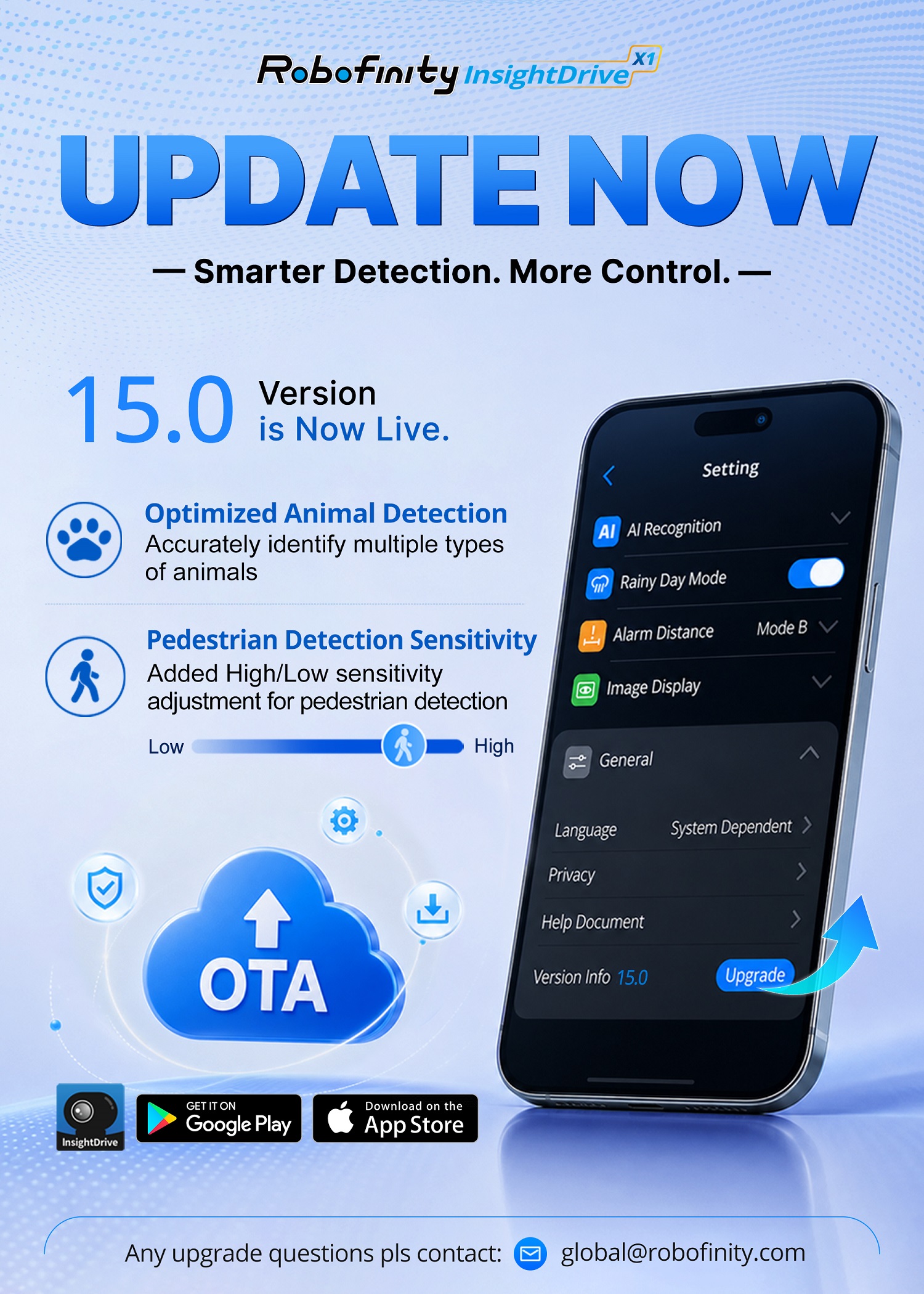
-
No one is replied to this thread yet. Be first to reply!